






 Use Our Coupon Code -
| Brand | ESPtronics |
| Special Feature | Digital Display |
| Colour | White |
| Max Number of Supported Devices | 1 |
| Compatible Devices | Set Top Box |
About this item
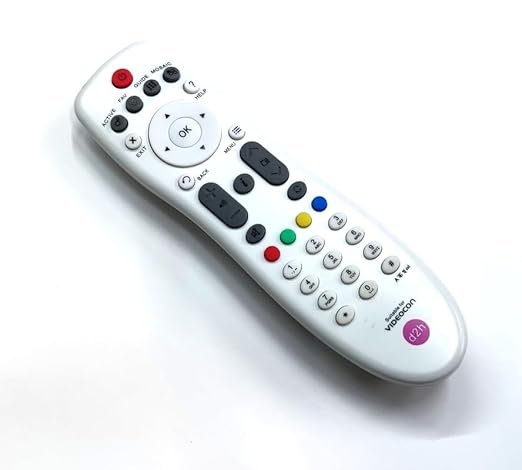
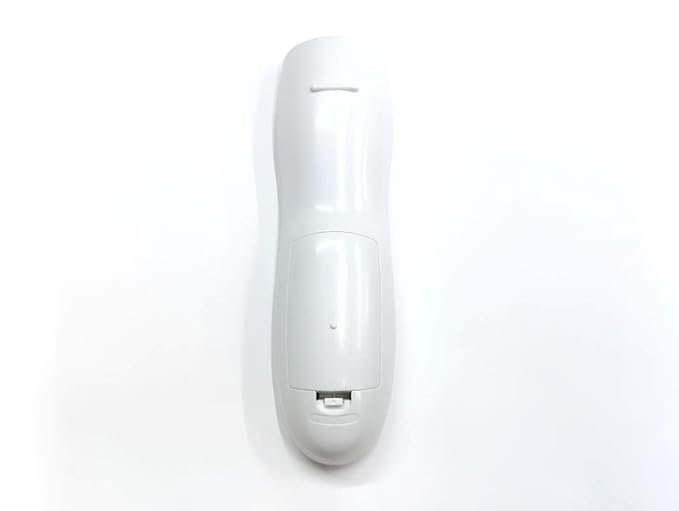
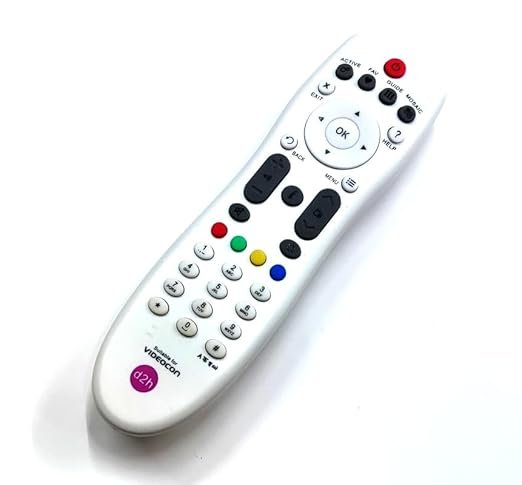
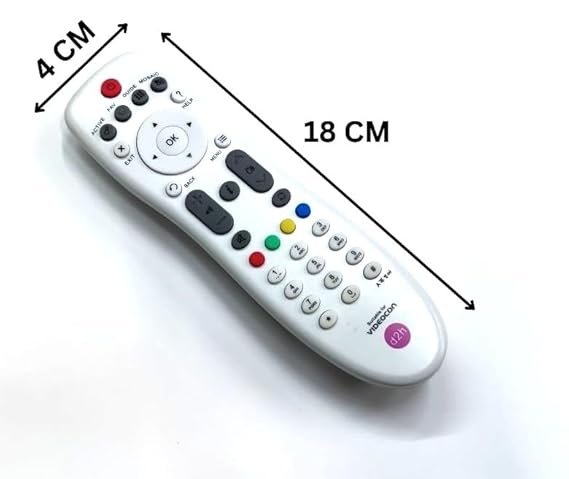
- Compatible and Suitable Remote for Videocon Set Top Box Remote Control for Videocon D2H Dish New
- Hold down the “TV” button on the Videocon d2h remote for a few seconds until the LED light on the remote flashes.
- Enter the TV brand code for your TV using the number keys on the Videocon d2h remote. You can find the code for your TV brand in the user manual or by searching online.
- After entering the code, the LED light on the Videocon d2h remote will blink twice.
- Test the remote to ensure that it is paired with the TV by pressing the power button on the Videocon d2h remote. The TV should turn on or off depending on its previous state.
- Technical Details
| Brand | ESPtronics |
| Manufacturer | ESPtronics |
| Model | 1PVRN |
| Model Name | 1PVRN |
| Model Year | 2023 |
| Product Dimensions | 10 x 10 x 10 cm; 160 g |
| Item model number | 1PVRN |
| Compatible Devices | Set Top Box |
| Special Features | Digital Display |
| Number of items | 1 |
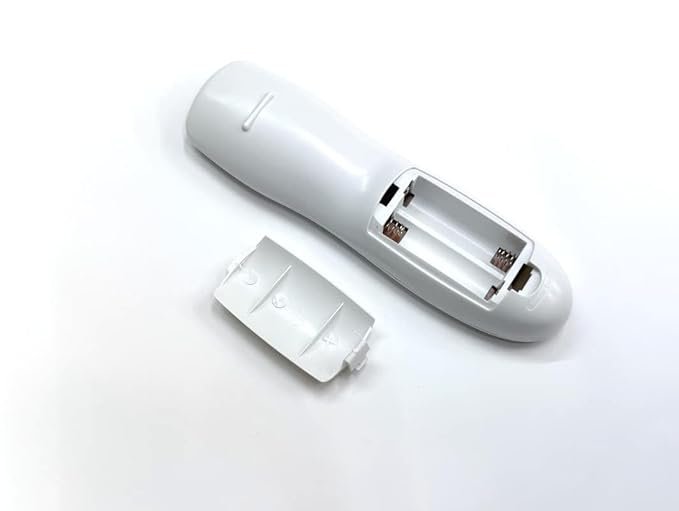
| Battery Description | Alkaline |
| Connector Type | Infrared |
| Material | Plastic |
| Manufacturer | ESPtronics |
| Item Weight | 160 g |

Reviews
There are no reviews yet.